Über 知秋~英语日语单词背诵学习陪伴桌宠~
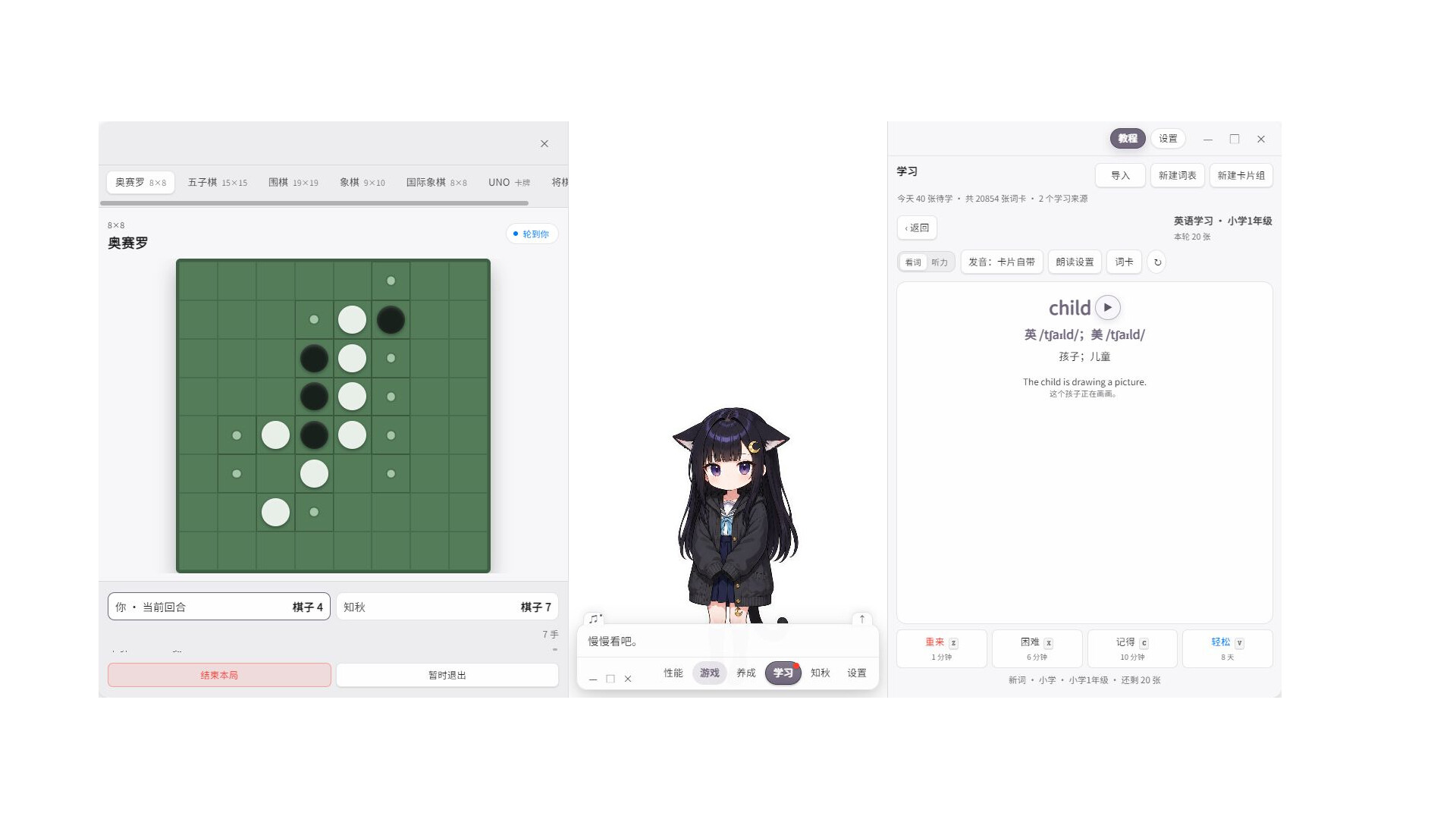
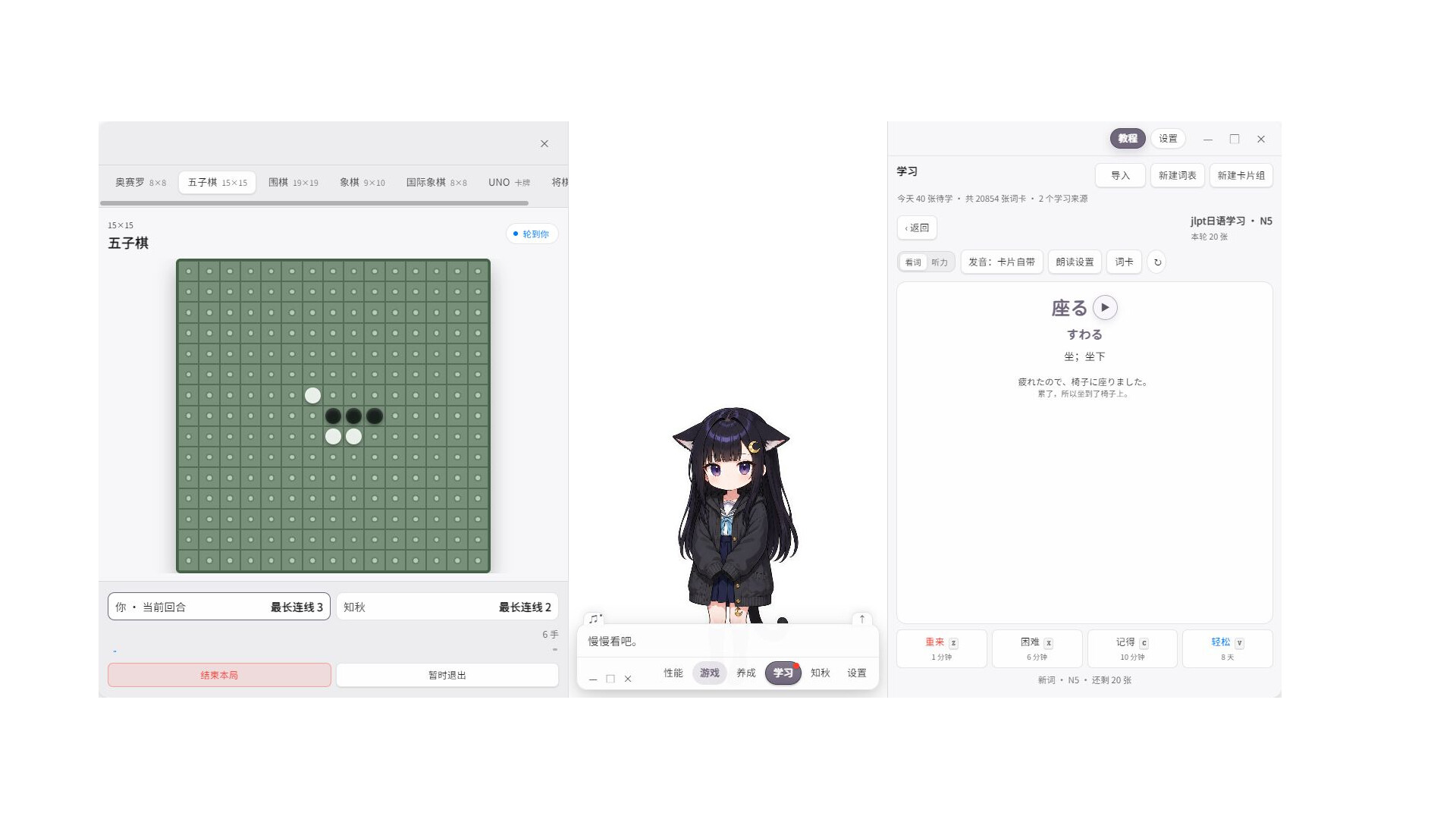
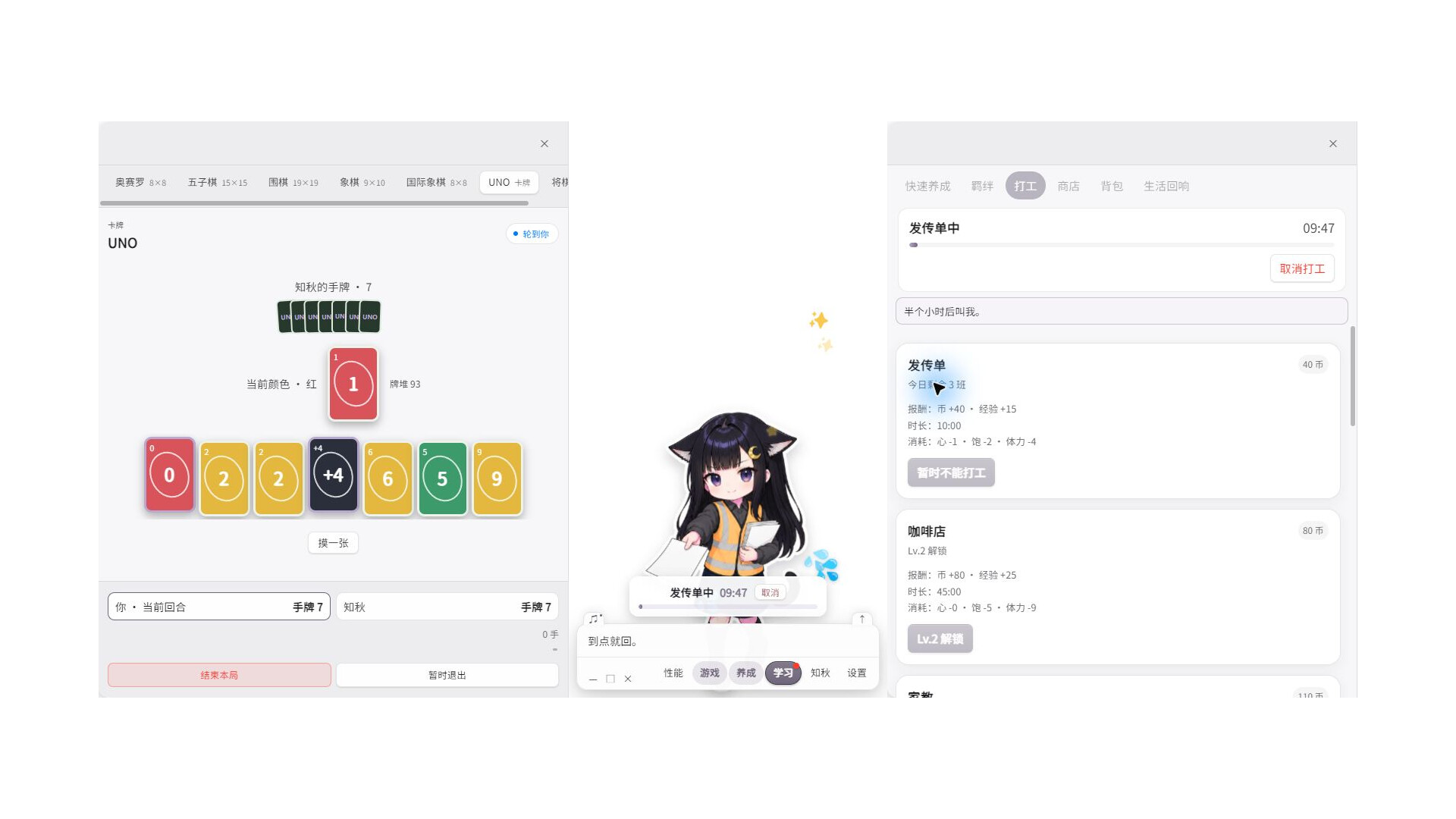
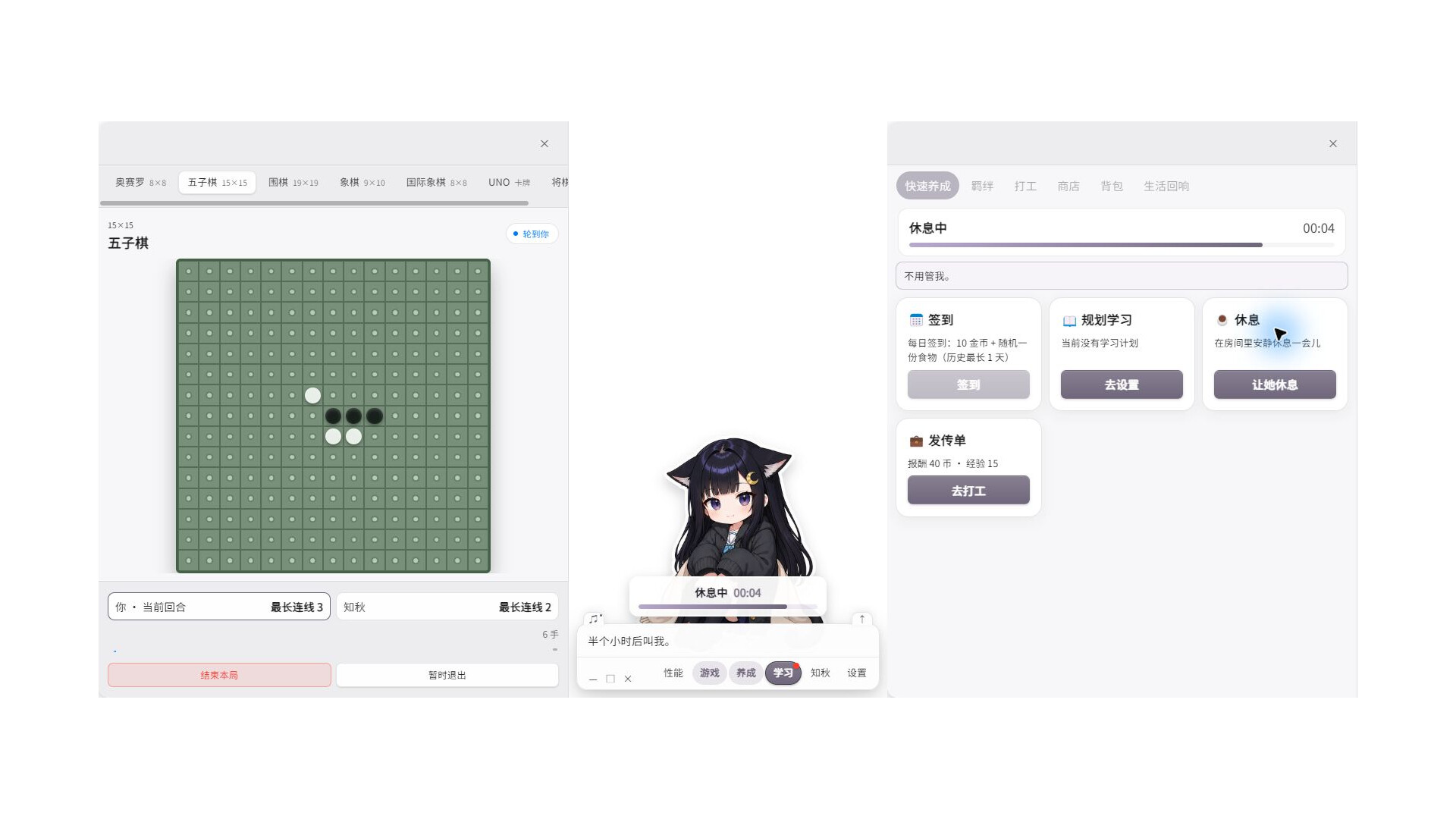
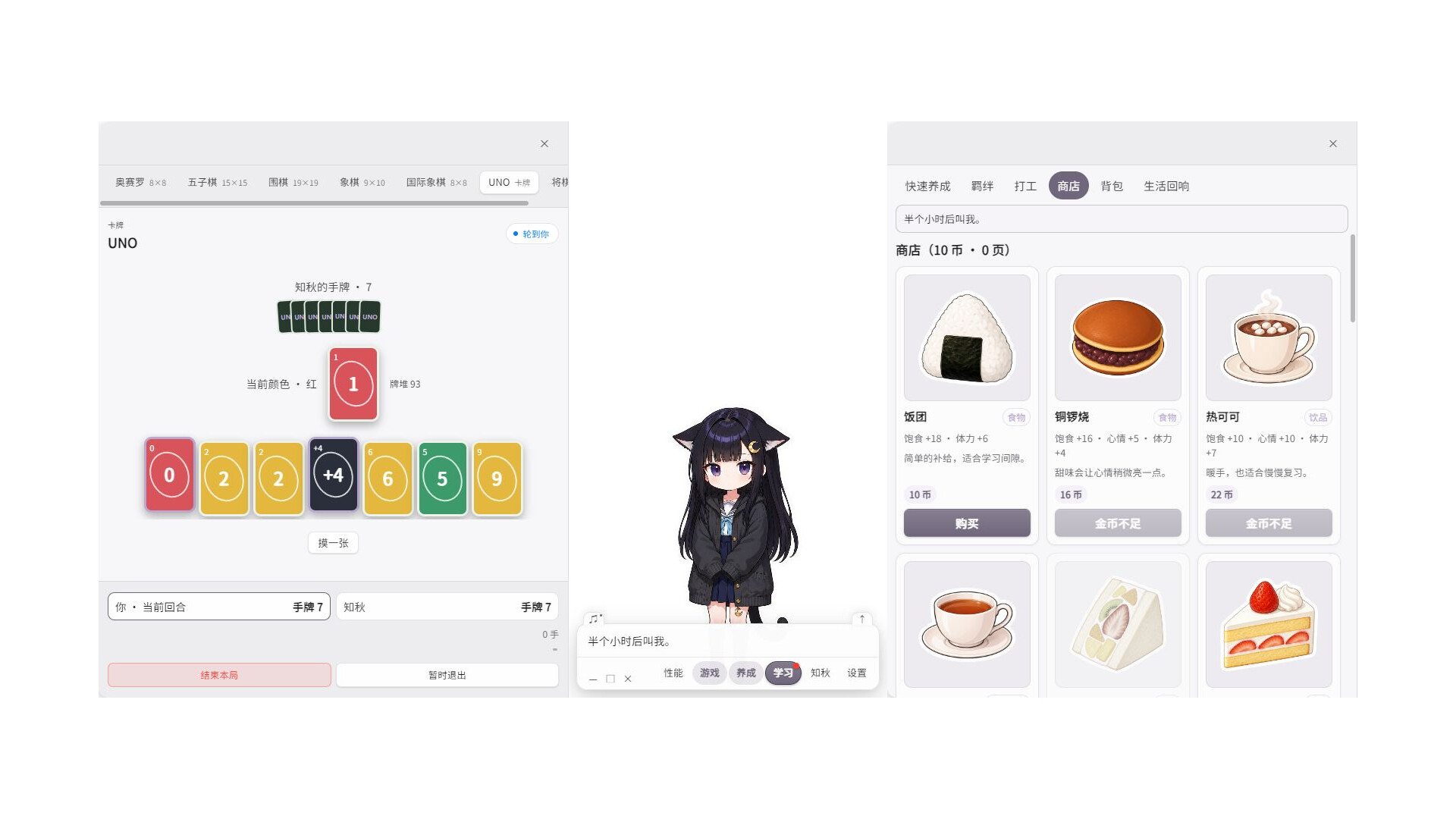
Zhiqiu is a Windows desktop companion centered on English and Japanese vocabulary study. She stays on the desktop and responds while you learn, review, or take a break. Pet interaction, care activities, and mini-games are companion features built around a consistent study routine rather than replacements for it.
Core study features
• Two built-in default collections: English Study and JLPT Japanese Study, plus imports for your own decks and cards.
• FSRS scheduling for new cards and due reviews, with visible daily new-card, review, and overall progress.
• Choose a collection, stage, or individual deck as the active scope and continue from the previous session.
• Study meanings, examples, and pronunciation; rate memory strength and create a target-date study plan.
A customizable desktop companion
• Replace character artwork, motion states, interaction lines, and bound audio to create your own cute desktop pet.
• Share and subscribe to manifest-validated character content through Steam Workshop.
• Petting, dragging, care activities, music, and mini-games provide lightweight breaks between study sessions.
Voice and AI content
The base game includes pre-recorded voice lines. Optional local real-time speech uses models such as GPT-SoVITS and Qwen3-TTS. Install matching voice-model and runtime resources, select a model in Settings > Voice, and enable real-time text-to-speech (TTS). Real-time TTS is off by default, and petting interactions can prioritize their bound pre-recorded audio.
Local TTS can synthesize speech for player-edited petting lines, post-game recaps, and study cards. Without an LLM extension, recap text is assembled from authored lines according to game events; the live AI-generated content is the speech audio. Some character images, animation variants, and fixed voice recordings are created with AI tools during development.
Steam Workshop and user content
Steam Workshop supports sharing and subscribing to user-created character appearances, interaction lines, and local voice models. Uploaders must have the rights needed to share their content and follow Steam Community and Workshop rules. Inappropriate items can be reported through their Steam Workshop pages.
Optional Workshop extensions, including LLM chat and cloud speech, require separate installation, activation, and service configuration. Core vocabulary study and scripted mini-games do not require these extensions. Speech generated at runtime is not automatically uploaded to the Workshop.
The game supports Windows 64-bit only.